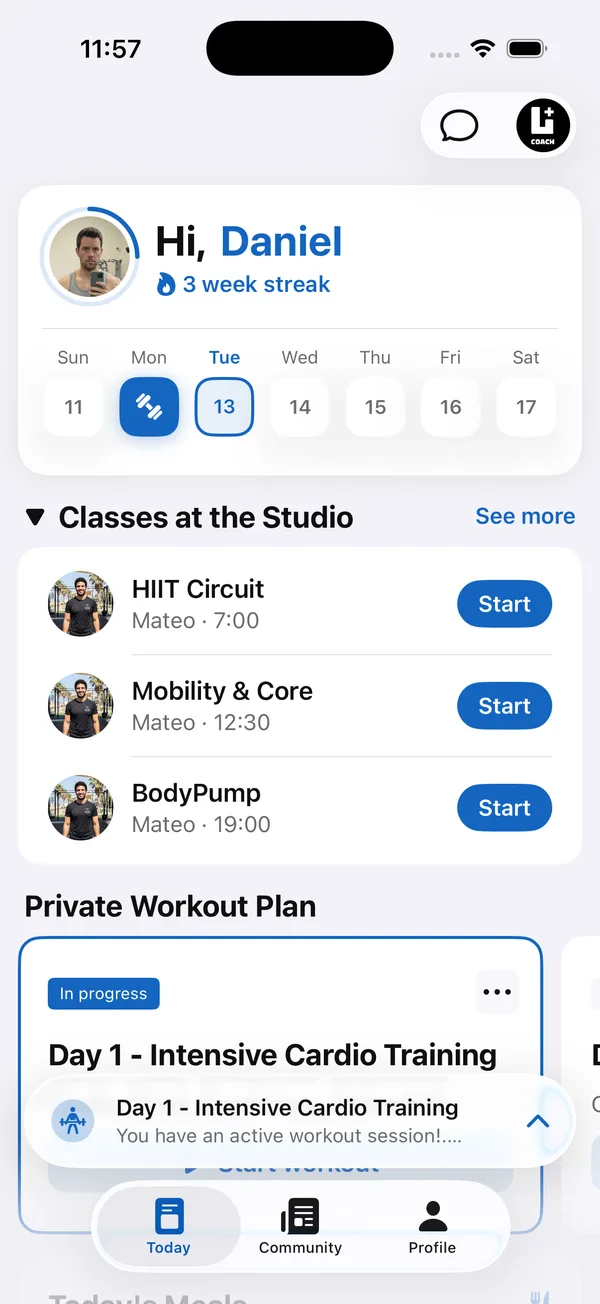
A progressive overload program is what turns a list of exercises into progress. Without a rule for when to add weight or reps, clients repeat the same workout for months and wonder why nothing changes.
For coaches, the hard part is not the idea. It is applying it to every client, every week, without guessing. This guide covers the ways to progress, one simple rule that works for most clients, when to hold back, and what you need to track.
What is progressive overload?
Progressive overload means gradually asking more of the body than it is used to, so it keeps adapting. In strength training, that usually means more weight, more reps or more sets over weeks.
- More weight for the same reps. The most direct way, best for main lifts.
- More reps with the same weight. Useful when the next weight jump is too big.
- More sets per exercise or per week. A good lever for clients who recover well.
- Better execution such as a full range of motion or a controlled tempo. Counts as progress, especially for beginners.
How do you apply progressive overload to a client’s program?
Give every exercise a rep range and a clear rule for when to move up. Double progression is the easiest rule for clients to follow and for you to check.
- 1Set a rep rangeFor example 8 to 12 reps for most accessory work, or 5 to 8 for a main lift.
- 2Start at the bottomPick a weight the client can lift for the lowest number of reps with a couple of reps left in reserve.
- 3Add reps firstEach session, the client tries to add a rep or two on some sets, with good form.
- 4Then add weightWhen every set reaches the top of the range, add the smallest weight jump available and go back to the bottom of the range.
How much weight should a client add each week?
The smallest jump the equipment allows, and only when the rule says so. Small, regular increases last longer than big jumps that stall after two weeks.
- Beginners can often add weight on main lifts most weeks at first. That pace slows within a few months.
- Upper body and isolation exercises progress more slowly than squats and deadlifts, so reps carry more of the progress there.
- With dumbbells, the next jump is often too big. Stay longer in the rep range before moving up.
What should you do when a client stops progressing?
Check the basics before changing the program. Most stalls come from sleep, food, stress or missed sessions, not from the exercise selection.
- 1Look at the logIs the client actually hitting every session and every set? A stall on paper is often an attendance problem.
- 2Ask about recoverySleep, stress and calories in the weekly check-in usually explain a flat week or two.
- 3Change one variableSwitch the rep range, swap a variation, or adjust the volume. One change at a time, so you know what worked.
- 4Plan a lighter weekIf performance drops for several sessions in a row, a deload week with less volume often helps more than pushing through.
How Coach+ helps you progress every client
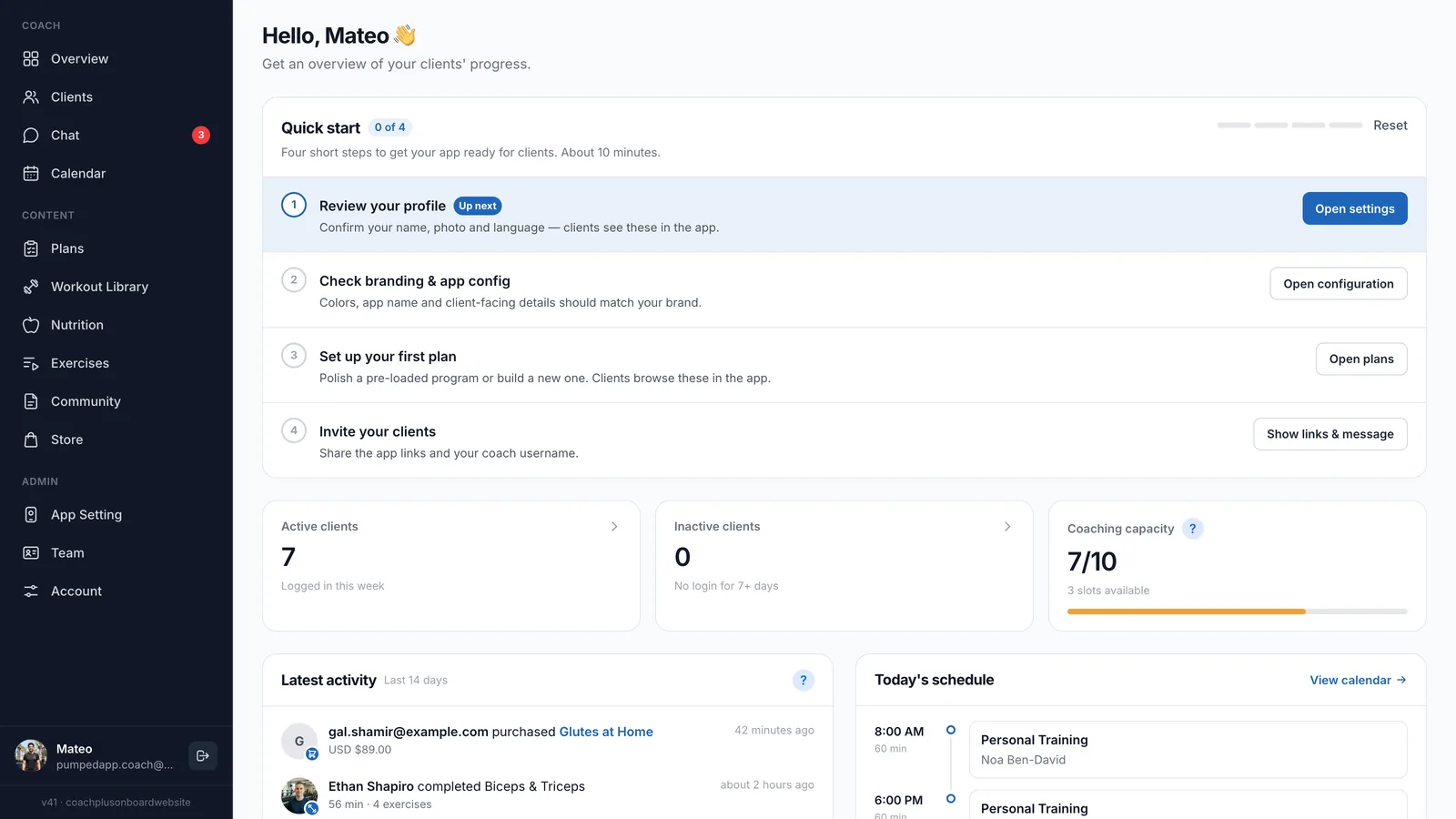
Progressive overload only works if you can see what each client lifted last time. In Coach+, clients log their workouts set by set in your own branded app, and you see the same data in your dashboard.
- A workout builder with 500+ exercises with demo videos, plus custom exercises, to set rep ranges and sets for each client.
- The AI workout analyzer reviews a client’s logged workouts and gives you one recommendation, such as a weight or rep change, that you apply with one tap.
- AI drafts full training programs that you review before the client sees them.
- Finished workouts and PRs post automatically to the private community feed in your app, so progress is visible to the client and the group.
- Weekly check-ins with progress photos and messaging, so you can ask about sleep and stress when a lift stalls.