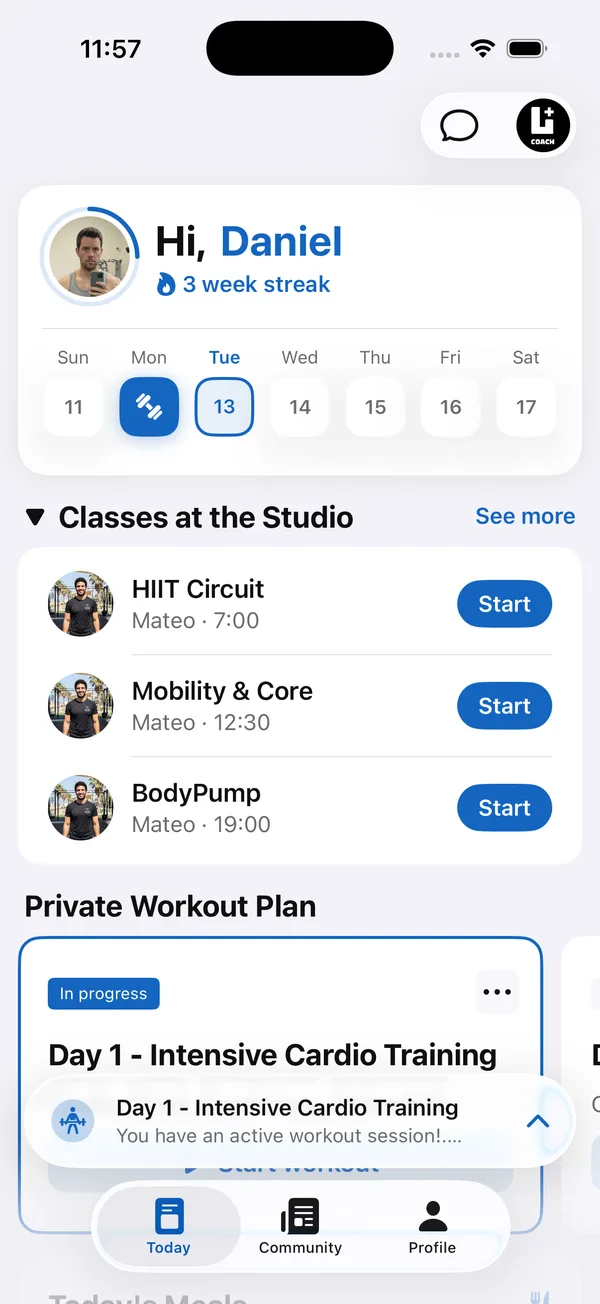
How much time does coaching software save? It depends on how you work today. A coach who already has tidy templates will save less than one who copies programs into PDFs, collects check-ins in WhatsApp and books calls by text.
This guide breaks a coach’s week into five kinds of work, walks through a worked example with clearly hypothetical minutes per task, and separates what software can speed up from what still needs you. The goal is a number you can measure for yourself, not a promise.
Where does an online coach’s week actually go?
Most of an online coach’s week goes into five kinds of work: programming, check-ins, messages, nutrition and admin. Only the first four are coaching. Admin is the part that grows quietly with every new client.
- Programming. Writing new blocks, adjusting loads, swapping exercises and sending the updated plan.
- Check-ins. Collecting weight and photos, finding last month’s numbers to compare, and writing a reply.
- Messages. Questions about form, missed sessions, travel weeks and motivation dips.
- Nutrition. Building or adjusting meal plans and reviewing what clients actually ate, within your qualification.
- Admin. Scheduling calls, resending files, searching chats for old information and updating spreadsheets.
How do you measure your personal trainer admin time?
Measure it by timing one normal week and tagging every block of work with one of the five categories. A rough log is enough.
- 1Pick a normal weekNot a launch week or a holiday. You want your usual load.
- 2Log in 15-minute blocksWrite the category next to each block in a notes app or on paper. Include the small gaps spent searching for a file or a message.
- 3Total each categoryAdd up the minutes per category for the week.
- 4Divide by your client countMinutes per client per week is the number that decides how many clients you can take and what you need to charge.
How much time does coaching software save? A worked example
In this hypothetical example, a coach with 20 clients moves from PDFs, spreadsheets and WhatsApp to one coaching app. The minutes are illustrations of the method, not measured averages. Replace them with your own log.
- 1Programming15 minutes per client per week before, 8 after, by starting from templates and an exercise library instead of rebuilding files.
- 2Check-ins15 before, 10 after, because photos, weight and workout logs sit on one profile instead of three apps.
- 3Messages15 before, 12 after. Fewer “which weight was I supposed to use?” questions, but real conversations stay.
- 4Nutrition10 before, 5 after, by adjusting a meal plan template and seeing food logs instead of asking for them.
- 5Admin10 before, 5 after, mostly from clients booking calls themselves and never needing a file resent.
That is 65 minutes per client per week before and 40 after. Across 20 clients, about 21 hours 40 minutes becomes 13 hours 20 minutes, a difference of roughly 8 hours a week in this example. Your result could be much smaller or larger, which is why the log matters more than any headline number.
Which coaching tasks can software speed up, and which can’t it?
Software speeds up anything that moves, stores or repeats information. It can’t do the judgment, and you shouldn’t want it to.
- Faster with software: delivering programs and updates, collecting set-by-set logs, gathering check-in photos and weight, reusing program and meal plan templates, letting clients book calls, and keeping each client’s history in one place.
- Faster with AI, but reviewed by you: a first draft of a program or meal plan, or turning an old Excel or PDF program into a plan. You still check every exercise, load and portion.
- Still yours: reading a check-in and deciding what to change, writing a reply that sounds like you, handling injuries and setbacks, and building the relationship that keeps clients around.
How can you save time as an online coach without coaching less?
Cut the time spent on admin and searching, and protect the time spent on decisions and replies. A few habits help whatever tool you use.
Then decide where the saved hours go. You can coach more clients, give each one a better reply, or simply work less. To see how minutes per client change the number of clients you can coach, try the free client capacity calculator.
How Coach+ saves time across the week
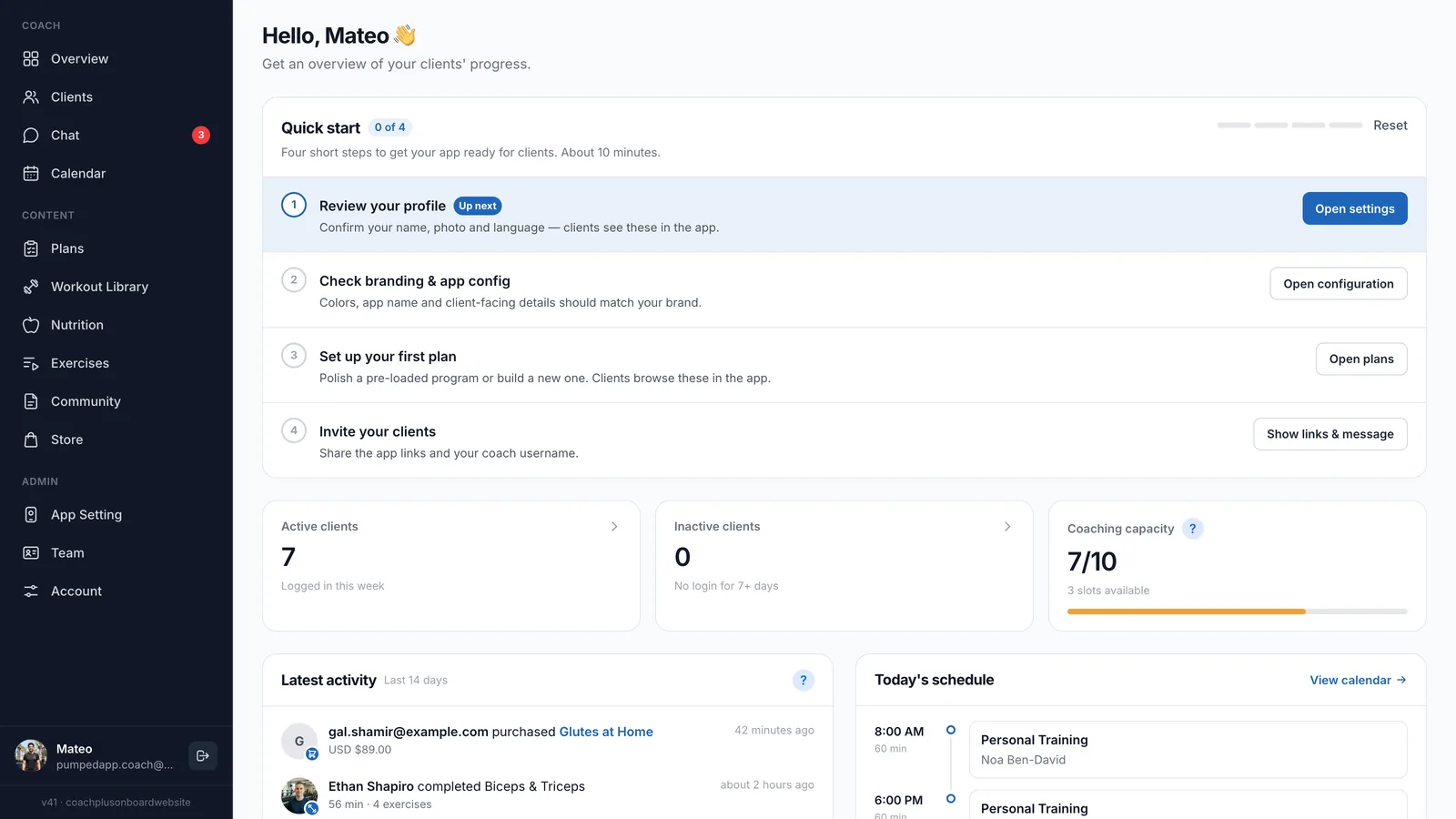
On the Coach+ coaching platform, you work from the coach dashboard and each client trains in your own branded app, connected to it. Each category from the example maps to a feature.
- 1Programminga program builder with 500+ exercises and demo videos, and an AI assistant that drafts programs for you to review. Existing Excel or PDF programs can be turned into plans.
- 2Check-insweekly check-ins with progress photos on each client profile, next to their workout logs and progress graphs.
- 3Messagesin-app messaging with push notifications, so conversations don’t get lost between personal chats.
- 4Nutritionmeal plans, with AI drafts you review, and client food logging by barcode, photo or search. Water and steps sync from Apple Health or Google Fit.
- 5Admina calendar where clients book themselves, and teams of up to 10 coaches sharing one dashboard.