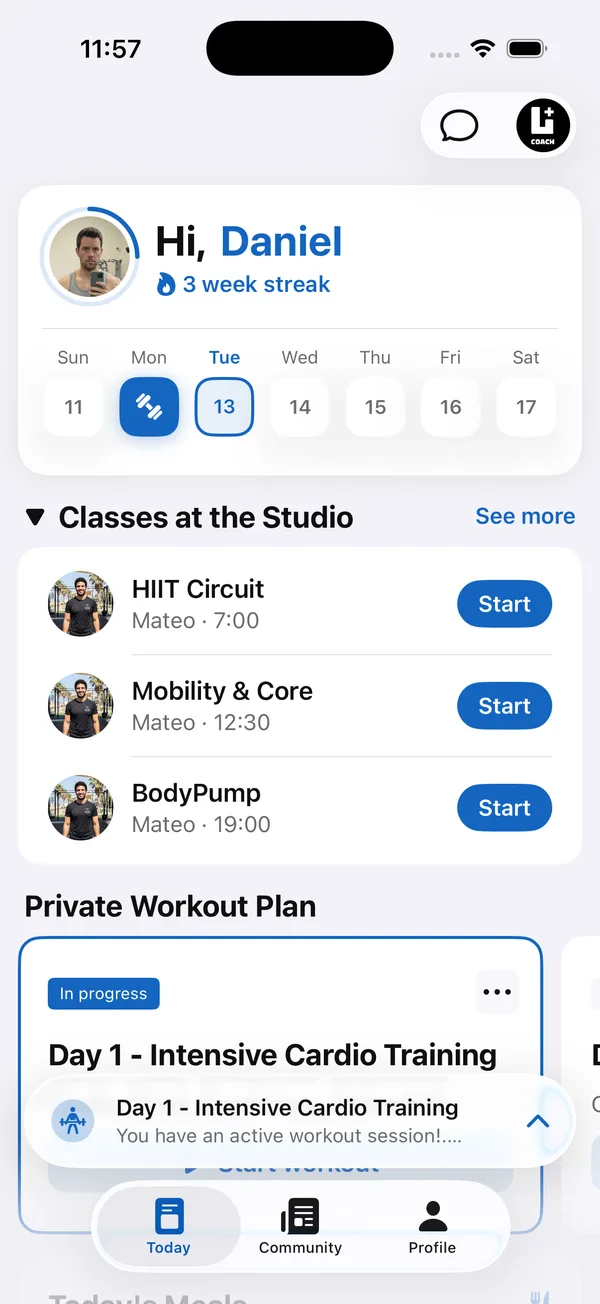
Most coaches working out how to sell workout plans online start in DMs. Someone asks, you send a price, they pay by transfer or a payment link, and you send a PDF. For a handful of sales, that’s fine.
Then the screenshots pile up, people ask for discounts, and every sale needs you awake and on your phone. This guide compares selling in DMs with selling from a store, and shows how to package plans that sell on their own.
Why is selling workout plans in DMs hard to scale?
Because every sale depends on you being available, and nothing is tracked in one place.
- Every sale needs you. Nights, weekends, mid-session. If you don’t answer fast, the buyer cools off.
- There’s no record. Who paid, how much, for which version? The answers are spread across chats and bank notifications.
- The price is up for debate. In a private chat, every buyer feels free to ask for a deal, and saying no to each one takes energy.
- The product is a file. A PDF gets forwarded, can’t be updated, and tells you nothing about whether the buyer ever trained with it.
Should you sell fitness programs from a store or in DMs?
Once sales go beyond a handful, a store works better, because buyers read, choose and pay without waiting for you. The plan, its price and its description sit on one page, and you see every order in one list. Your time goes into making the next plan and getting it in front of people, not into closing each sale by hand.
How do you sell workout programs on Instagram?
Use Instagram to bring people to the plan, and let the store do the selling.
- 1Put the store link in your bioOne link that opens your plans, so a follower can go from your profile to checkout without asking you anything.
- 2Post about the problem each plan solvesA short video of one exercise from the plan, or a mistake it fixes, with a line that says which plan it comes from.
- 3Answer price questions with the linkWhen someone DMs to ask how much, reply with the plan’s page. The description answers the rest.
- 4Show people training with itWith the buyer’s permission, share their progress. Results from real buyers do more than another promo post.
How do you package a workout plan that sells?
Build it for one person with one goal, name it by the result, and make it easy to follow without you.
- 1One person, one goalA plan for “beginner women building strength at the gym” sells better than a plan for everyone. The buyer should recognize themselves in the first line.
- 2Name it by the resultSay what it does and for how long. A clear name does more than a clever one.
- 3Answer the buyer’s questions in the descriptionWho it’s for, level, sessions per week, equipment needed, and what to expect at the end. Every question you answer is one less DM.
- 4Make it followable without youClear exercise names, sets, reps and a short note on each exercise. A buyer who gets stuck on day two asks for a refund, not for help.
- 5Give it a cover that looks like youYour own photo or brand colors, not a stock image. In a list of plans, the cover is what gets the click.
How should you price workout plans?
Use a few fixed price levels, price each plan by its length and depth, and never discount in private.
- Use a few fixed price levels. A short starter plan at the lowest level, full programs higher up. Buyers compare inside your range instead of against free content.
- Price by length and depth. A 12-week program with progressions is worth more than a 4-week plan. Make the difference visible in the description.
- Don’t discount in private. Once one buyer gets a DM deal, the store price becomes a starting point. Run a deal for everyone, or none.
- Review after a month. Look at what sold and what didn’t, then change one thing: the price, the description or the cover.
How Coach+ sells your plans
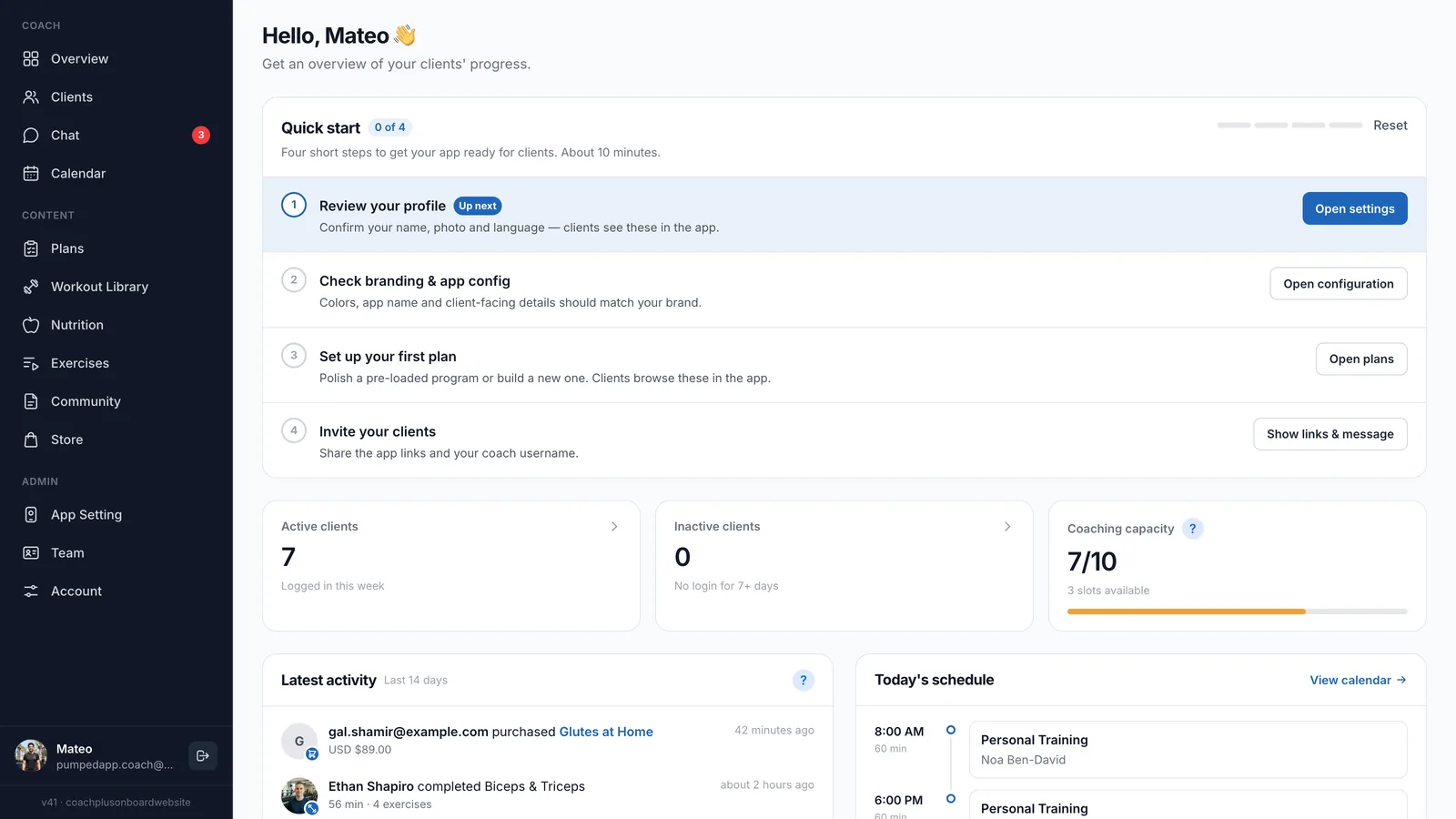
With Coach+, you build plans in the coach dashboard and buyers train from them in your own branded app, connected to it. The store, the plans and the training all sit on the Coach+ coaching platform.
- Turn on Public Plan in a plan’s details to list it, with a cover image, description, difficulty level, goal and target audience.
- A Store page with a Pricing tab for four price levels, from Bronze to Platinum.
- An Orders tab with each recent order’s plan, buyer email, amount and status.
- An Analytics tab with revenue, order count, average order value, the last 30 days of revenue and your best-selling plans.
- Buyers follow the plan in your app and log every set, instead of scrolling through a PDF.